
Documentation Index

Fetch the complete documentation index at: https://docs.peaq.xyz/llms.txt

Use this file to discover all available pages before exploring further.

This document provides guidance on setting up and adjusting the commission rate for collators on the peaq network. It highlights key aspects of the new token economy introduced in runtime upgrade v0.0.104.

Setting Up Commission Rate

To set up your commission rate, follow these steps:
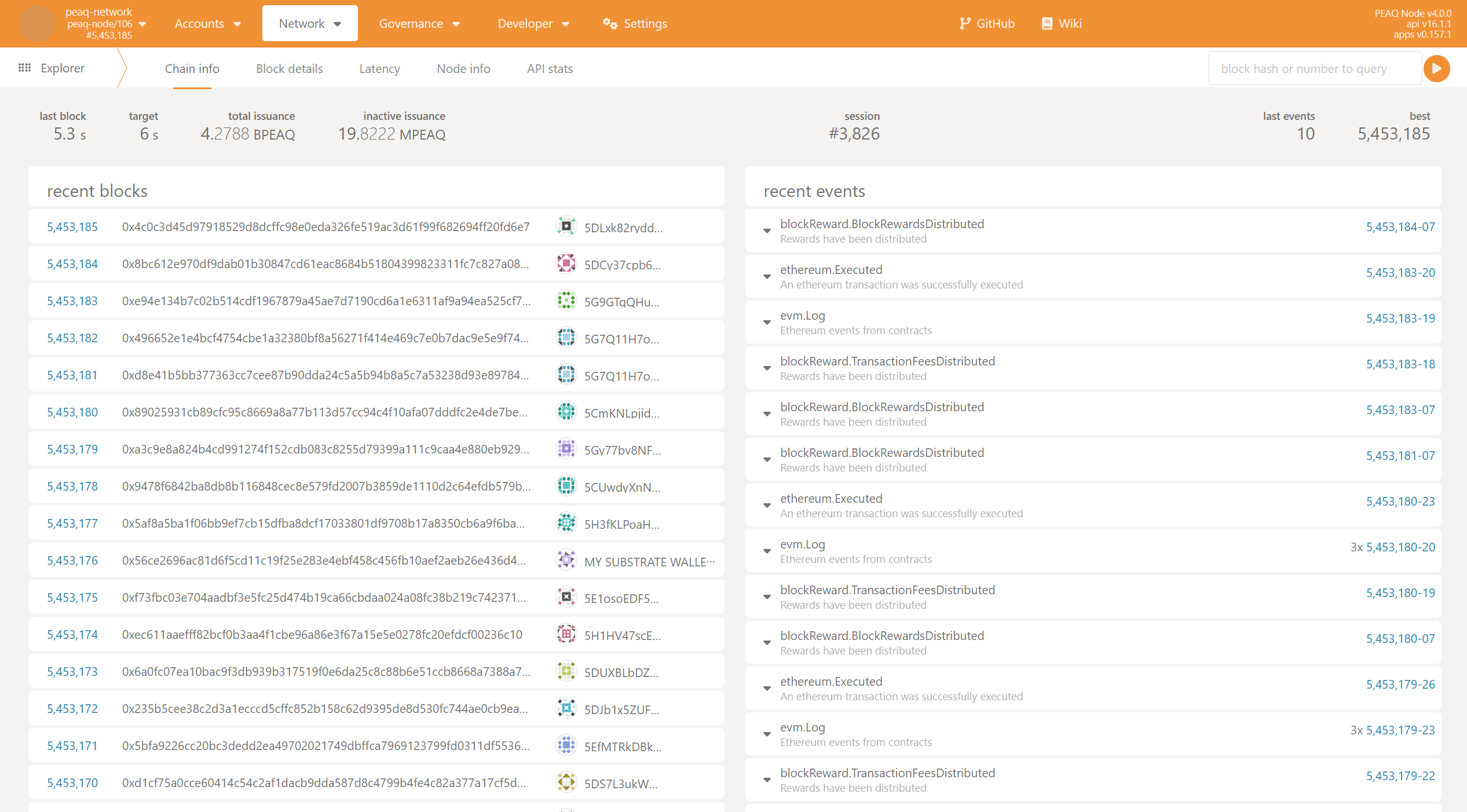
  1. Open polkadot.js validator-14
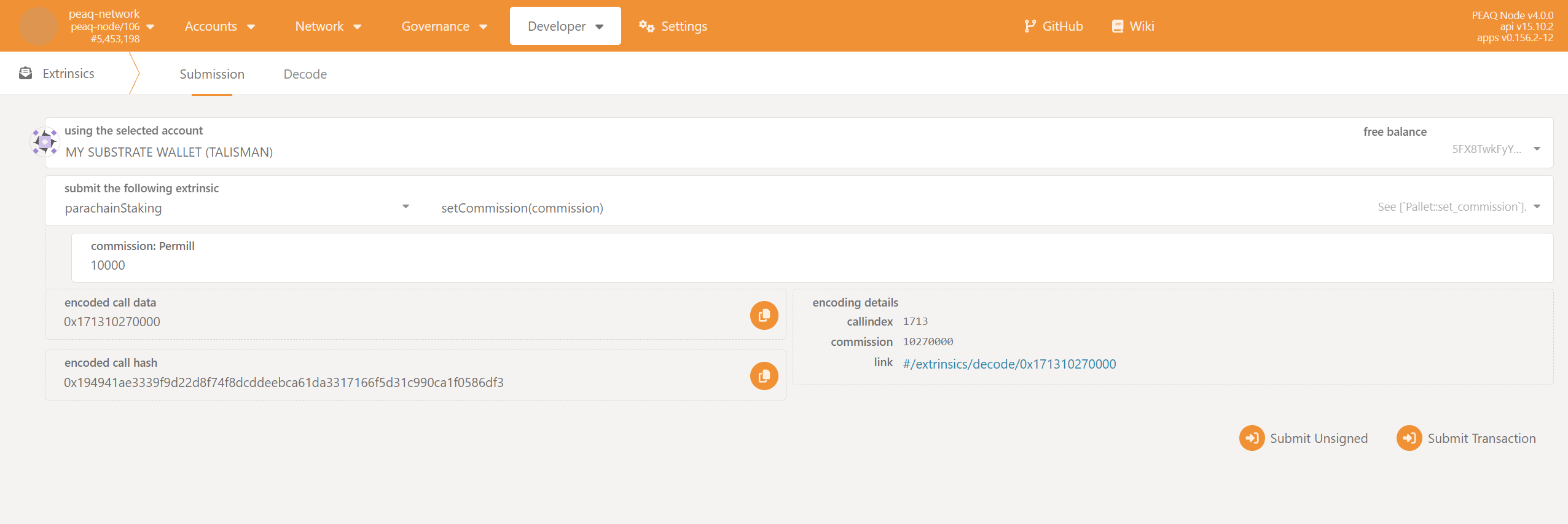
  2. Navigate to Extrinsics
    • Go to Developer → Extrinsics → parachainStaking → setCommission.
    validator-15
  3. Submit Transaction
    • Enter your desired commission rate and submit the transaction.
    To set a 1% commission, enter 10000 in the commission field. For 25%, enter 250000.

Reward Calculation

More information about the reward calculation can be found here.