

In-app Arcana wallet
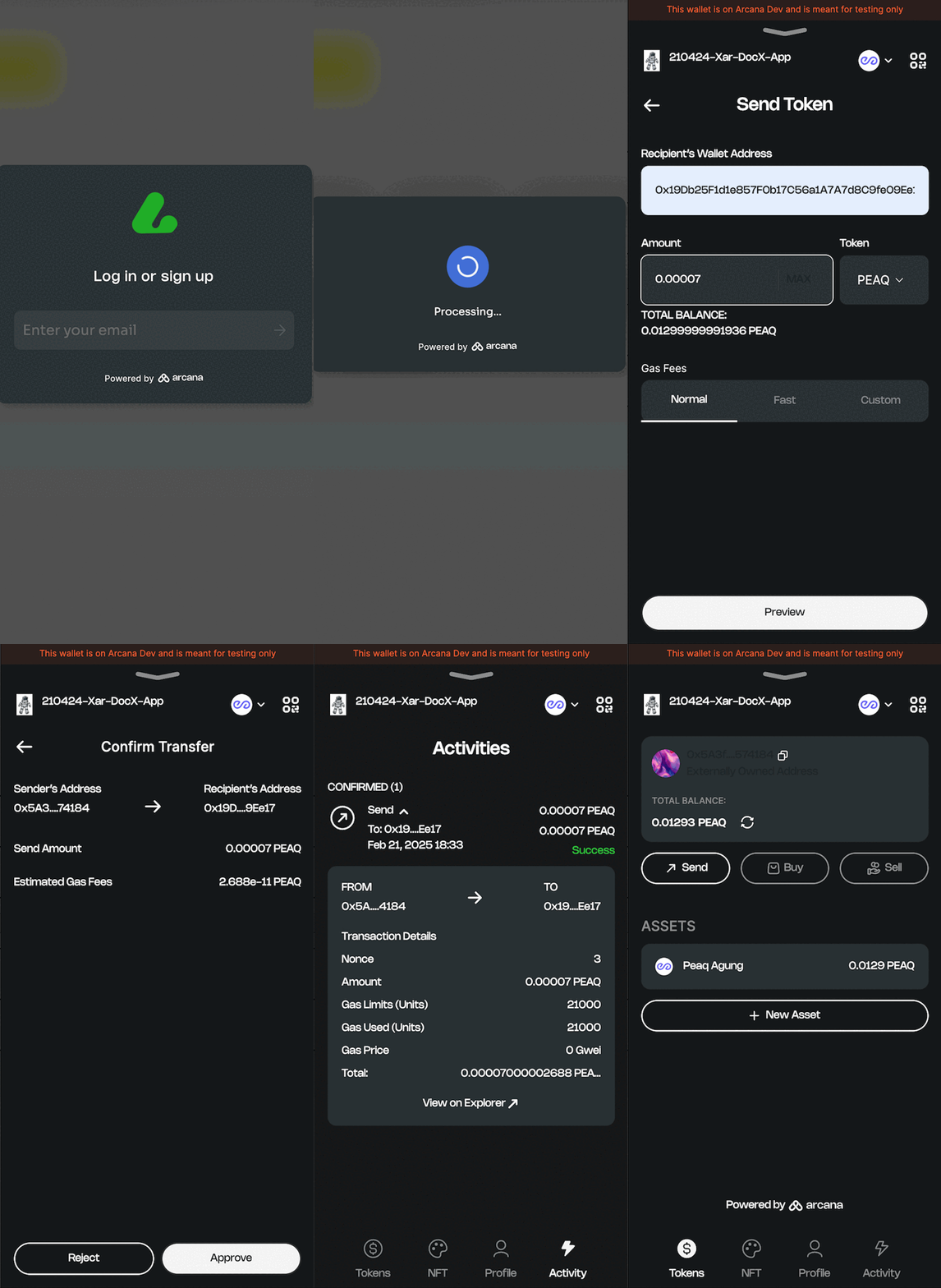
The in-app, non-custodial Arcana wallet is automatically available via the Arcana Auth SDK. The SDK can be integrated with any app type, including web, mobile, and gaming apps. The users of apps integrated with the Arcana Auth SDK can access the peaq chain via the in-app Arcana wallet, right out of the box. The peaq chain is preconfigured in the blockchain network list. Developers can choose to configure it as the default active chain by using the Arcana Developer Dashboard.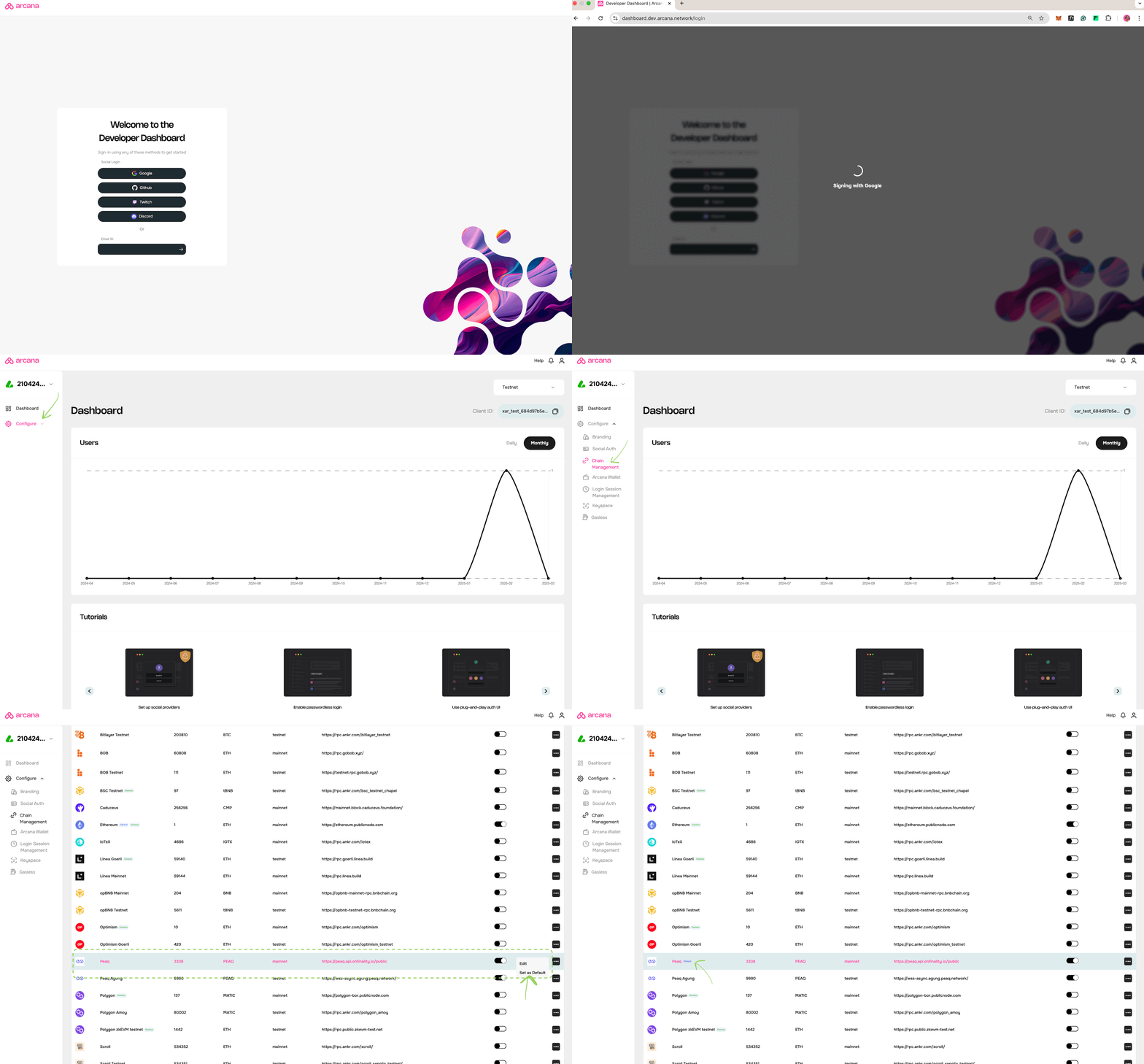
Enable Arcana wallet
Users cannot directly access the Arcana wallet as a standalone application. App developers must integrate the app with the Arcana Auth SDK and enable users to access the Arcana Wallet within the app. Developers need to follow these steps for integration:- Register the app with the Arcana Developer Dashboard, and copy the unique client identifier for the app.
- Configure Auth SDK usage via the dashboard, specify social login options, wallet user experience settings, etc.
- Download and install the Arcana Auth SDK, integrate the app, and add a single line of code to onboard users by using the plug-and-play login UI via the
connect()method. After a successful user login, Arcana wallet will automatically display within the app context, enabling the user to sign blockchain transactions instantly.
The in-app Arcana Wallet supports JSON/RPC calls and web3 wallet operations.