> ## Documentation Index
> Fetch the complete documentation index at: https://docs.peaq.xyz/llms.txt
> Use this file to discover all available pages before exploring further.
# SAFE
**Type:** MultiSig Wallet
## Create new Safe Account
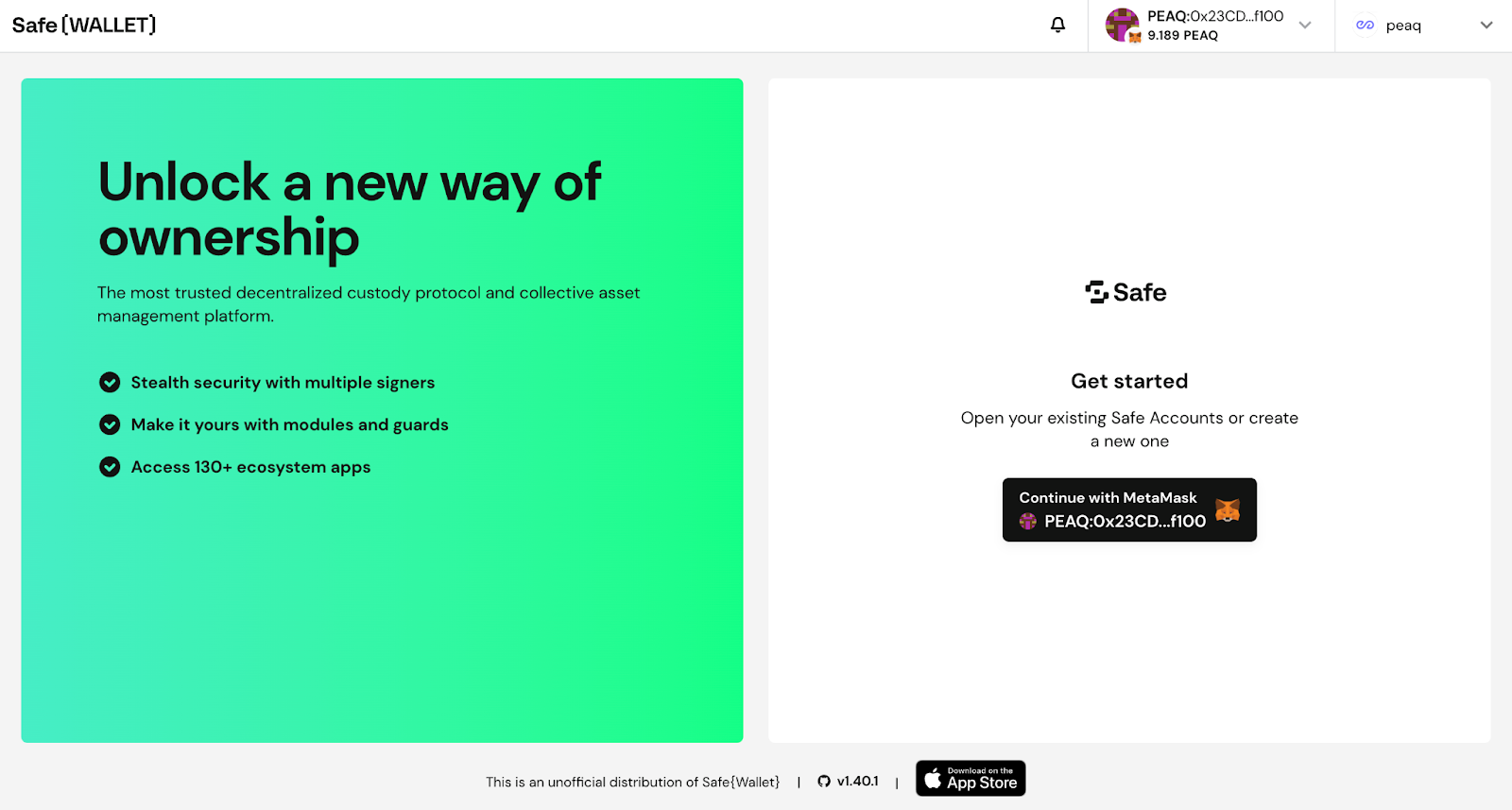
1. Go to [https://safe.peaq.xyz/welcome](https://safe.peaq.xyz/welcome), Click **Connect wallet**
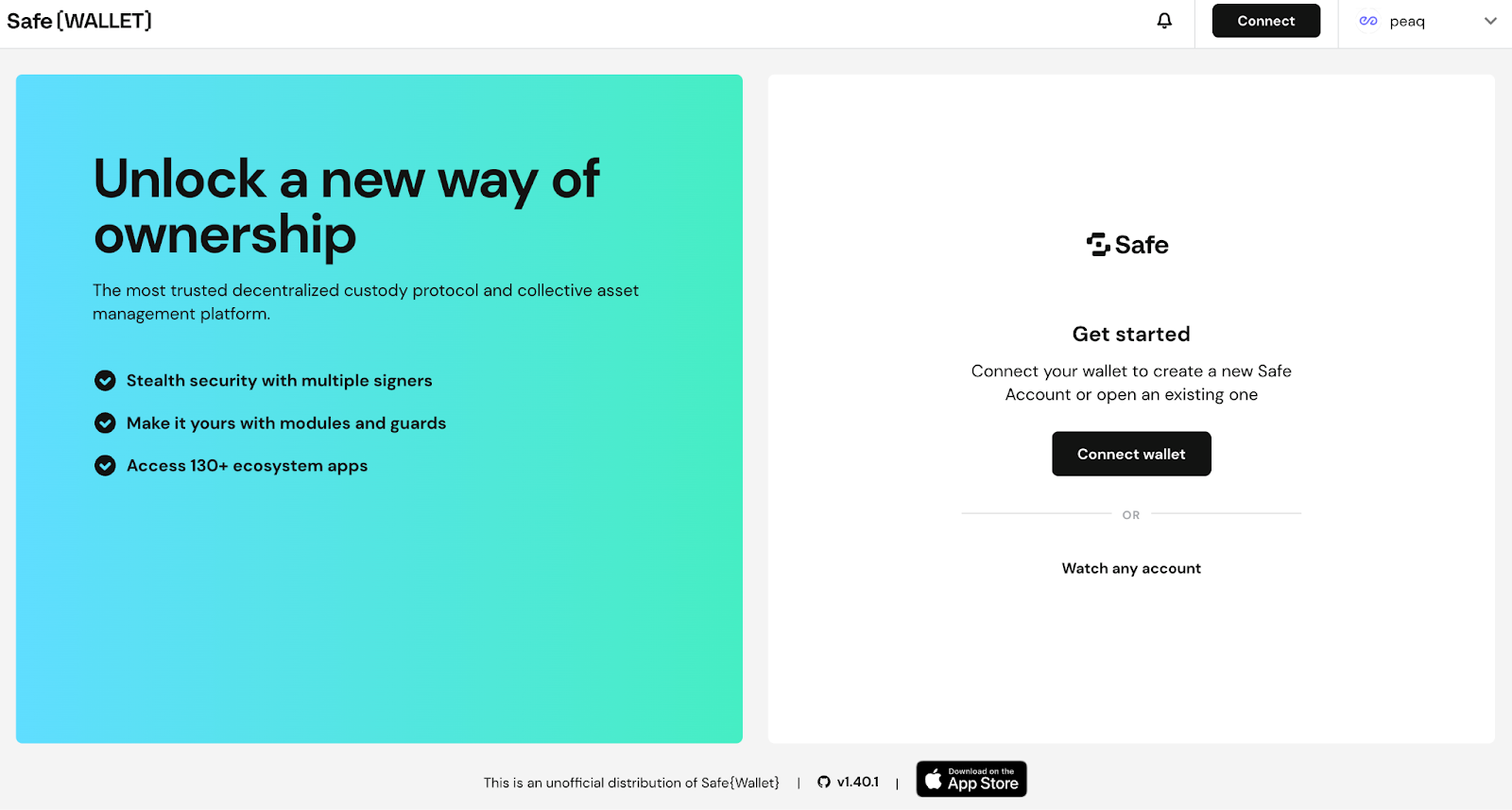 2. Choose your wallet
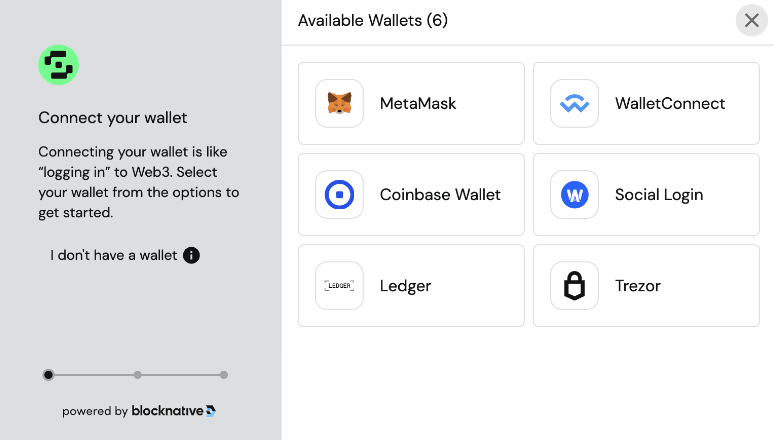 3. For tutorial purposes we will be using Metamask
4. Make sure peaq is selected as a network and you’re using the correct account
3. For tutorial purposes we will be using Metamask
4. Make sure peaq is selected as a network and you’re using the correct account
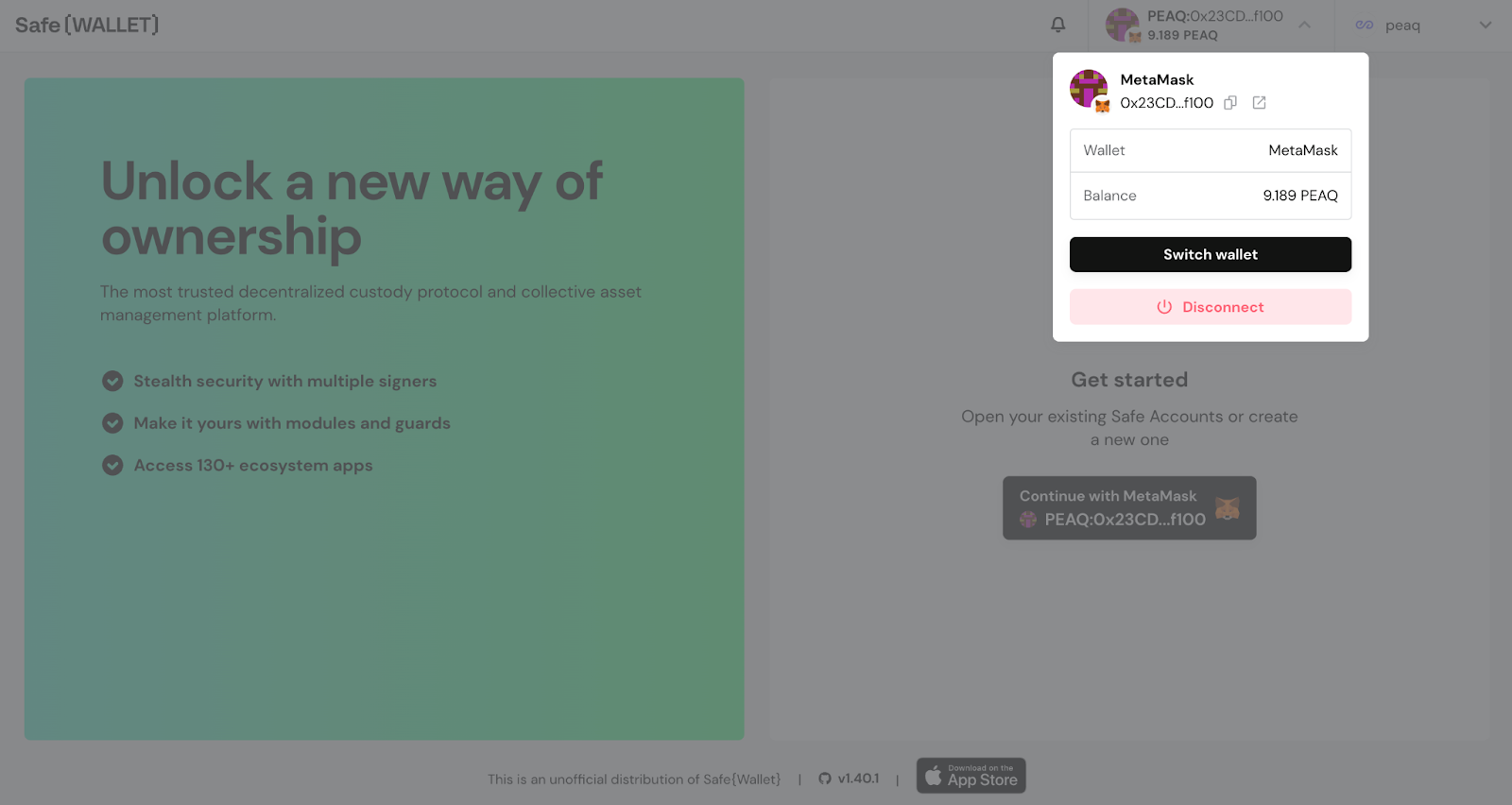 5. Press **Continue with MetaMask**
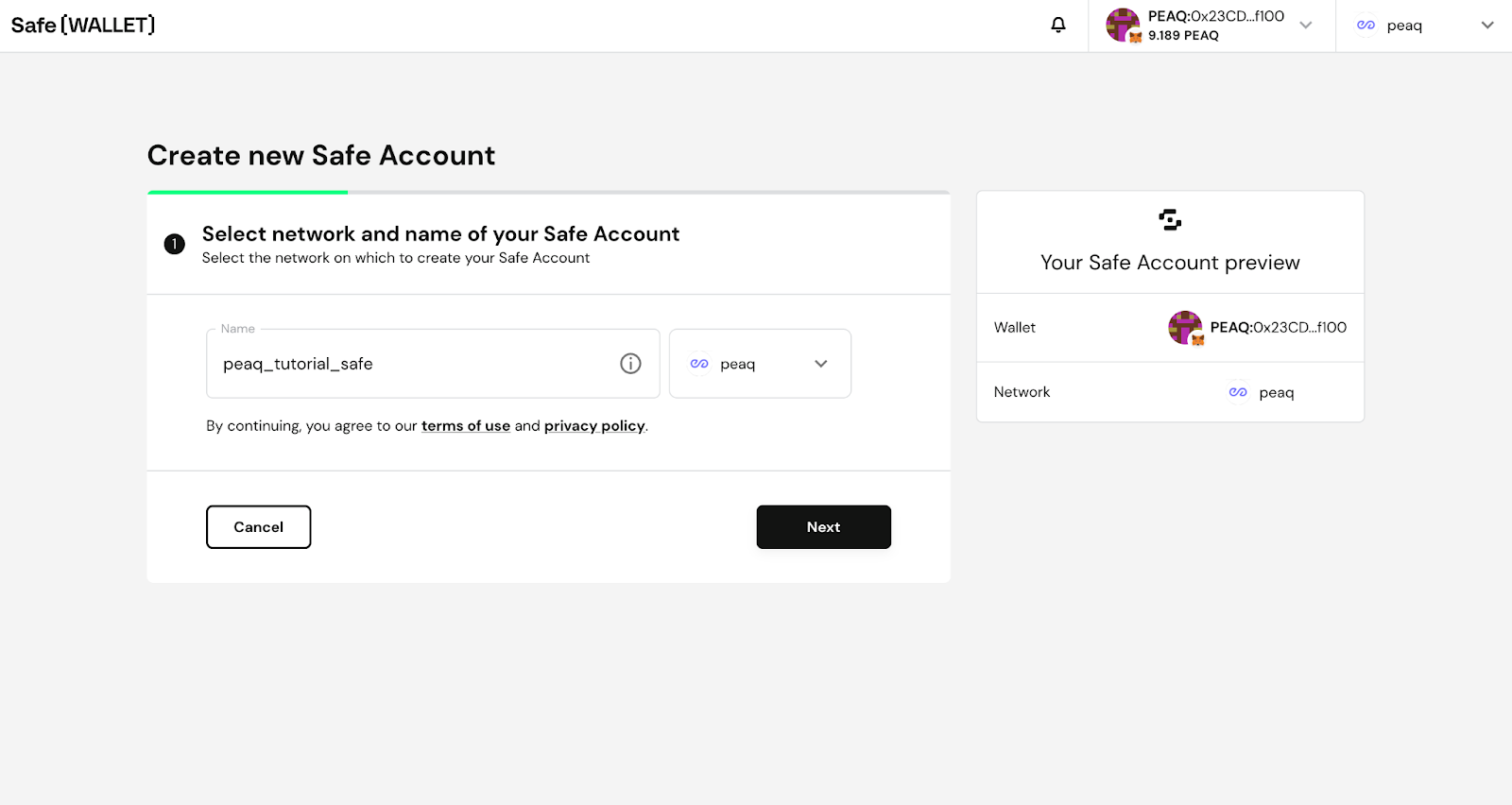
 6. Make sure peaq is selected as a network and choose the name for your Safe
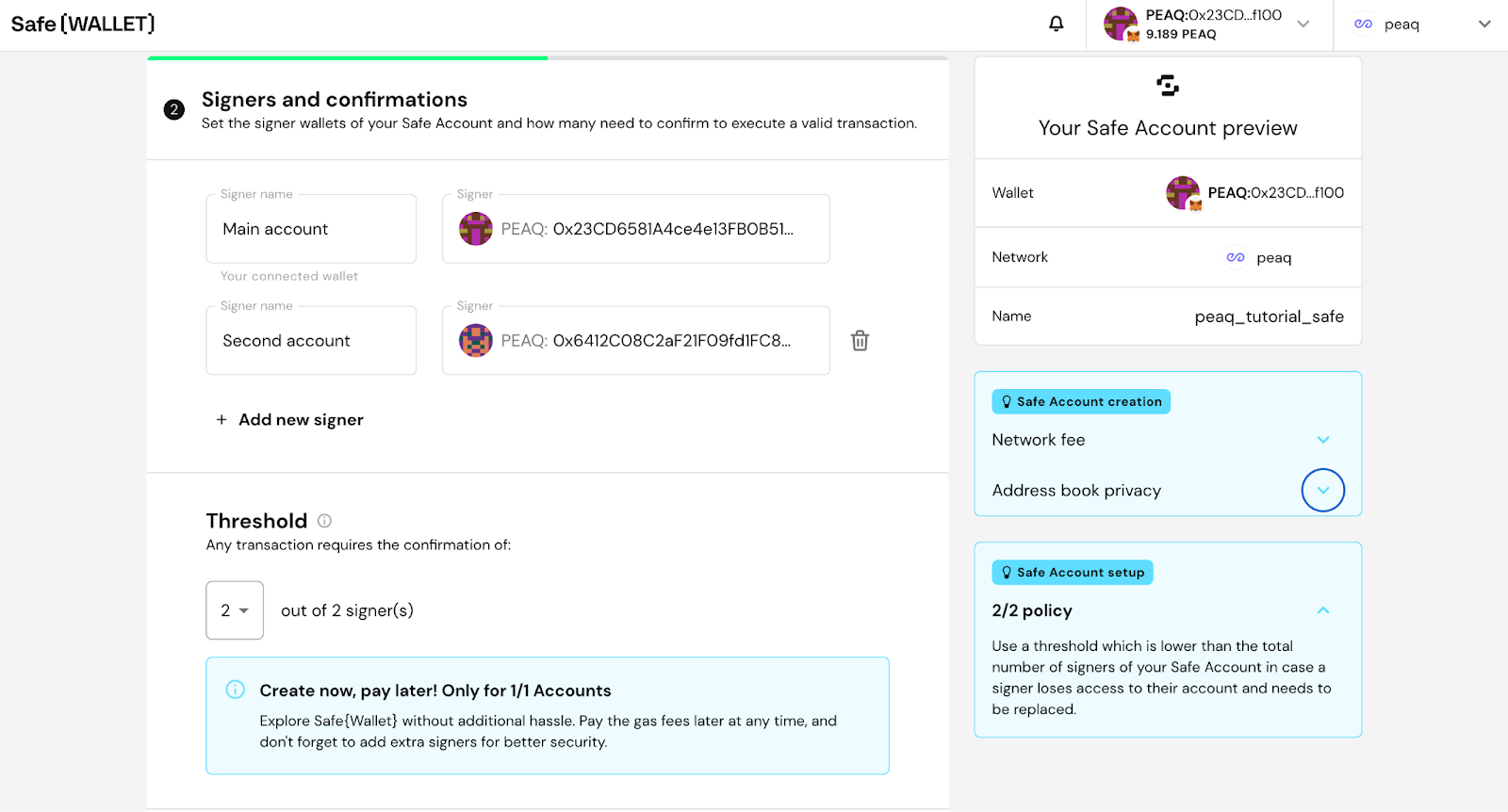
 7. Add additional owners if needed. For each additional owner:
* Click Add new owner
* Give the Owner a Name
* Enter Owner's Address
* Select how many owners will be required to confirm a transaction
* Press Next
7. Add additional owners if needed. For each additional owner:
* Click Add new owner
* Give the Owner a Name
* Enter Owner's Address
* Select how many owners will be required to confirm a transaction
* Press Next
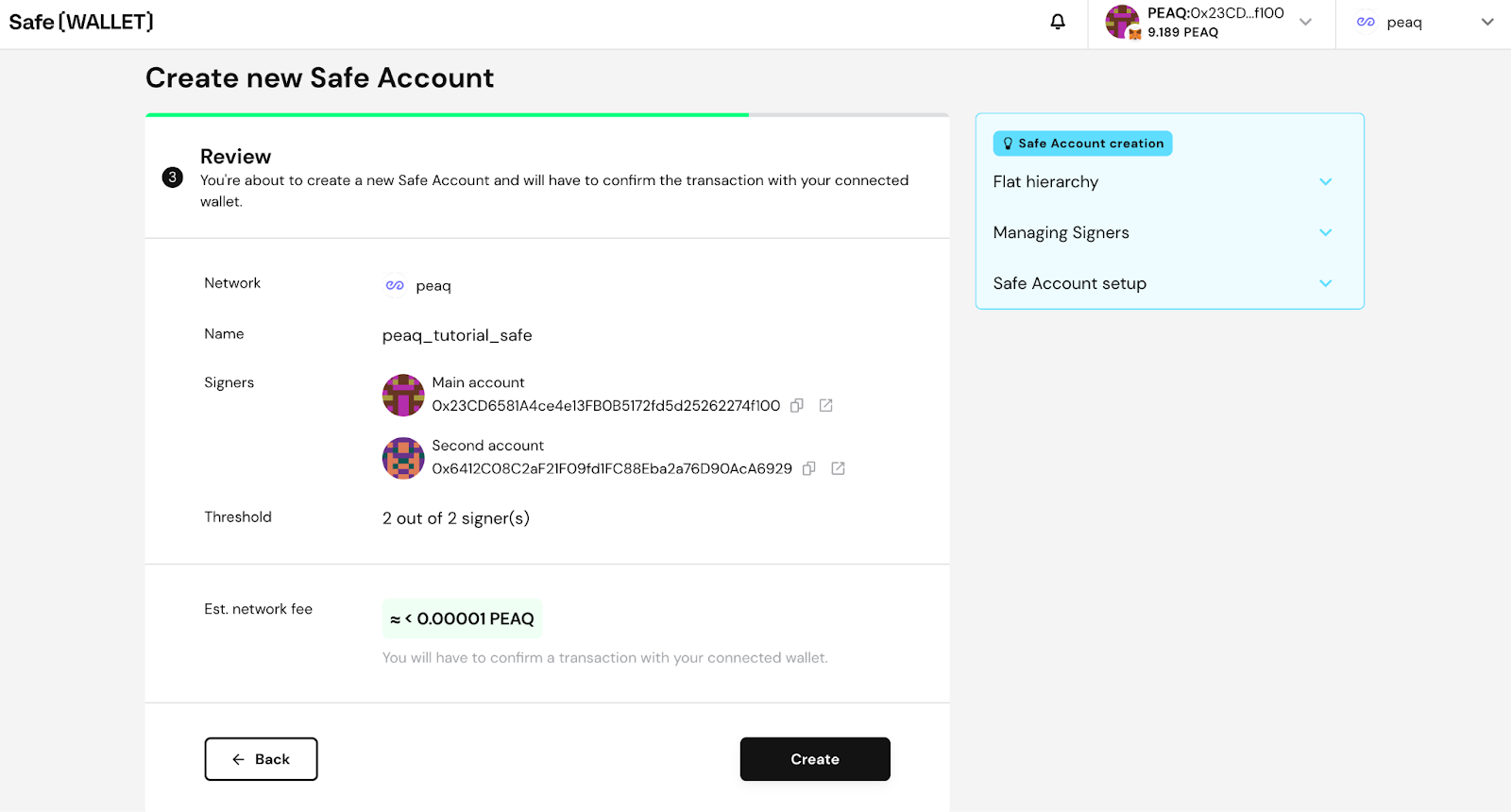
 8\. Click **Create** and confirm the transaction. You will need small amount of \$PEAQ to sign the tx.
 ## Receive \$PEAQ tokens with SAFE
1. Copy your Safe address on peaq
## Receive \$PEAQ tokens with SAFE
1. Copy your Safe address on peaq
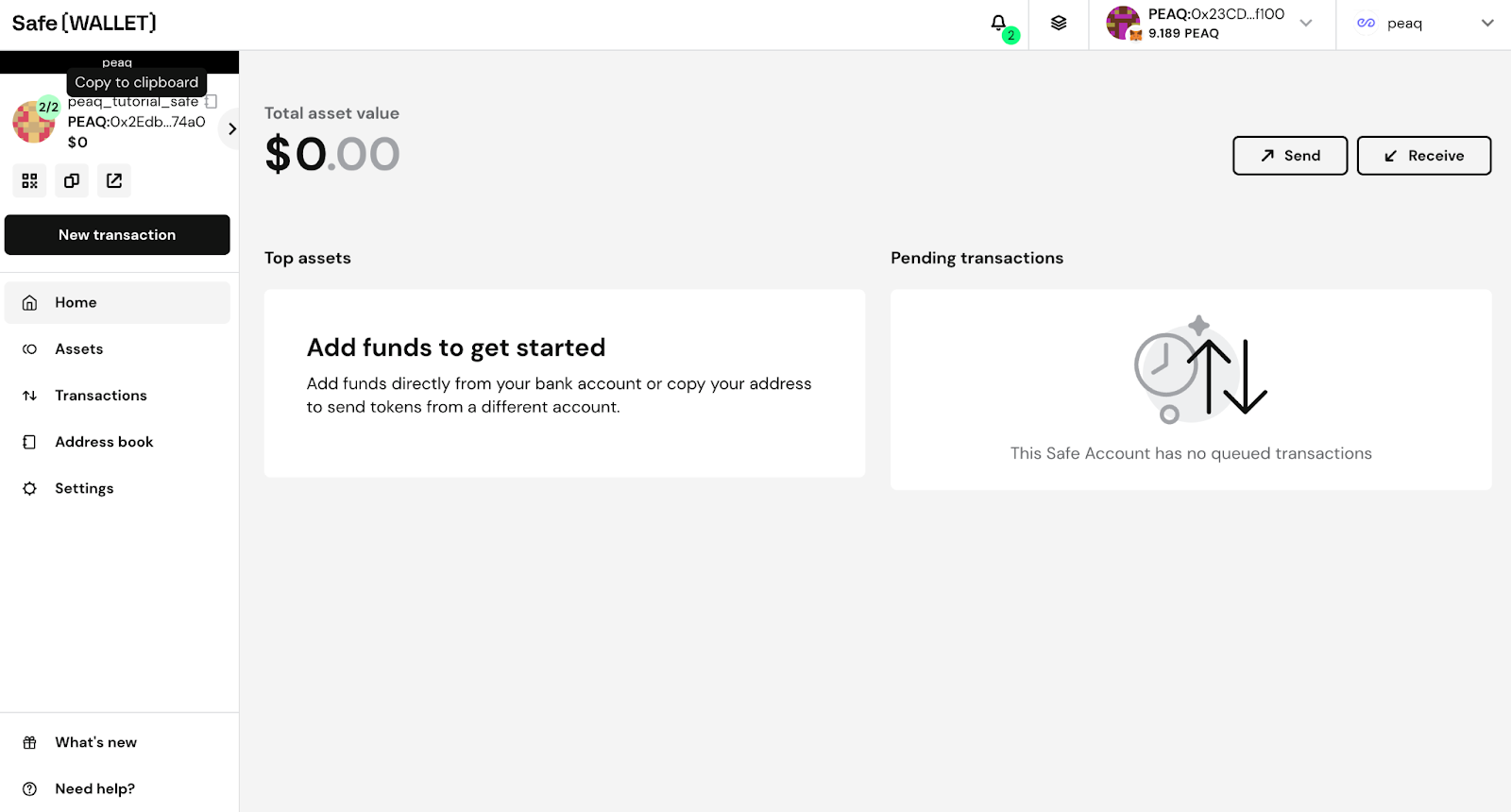 2. Send \$PEAQ tokens from your Metamask or any other EVM wallet to this address
 ## Send \$PEAQ tokens with SAFE
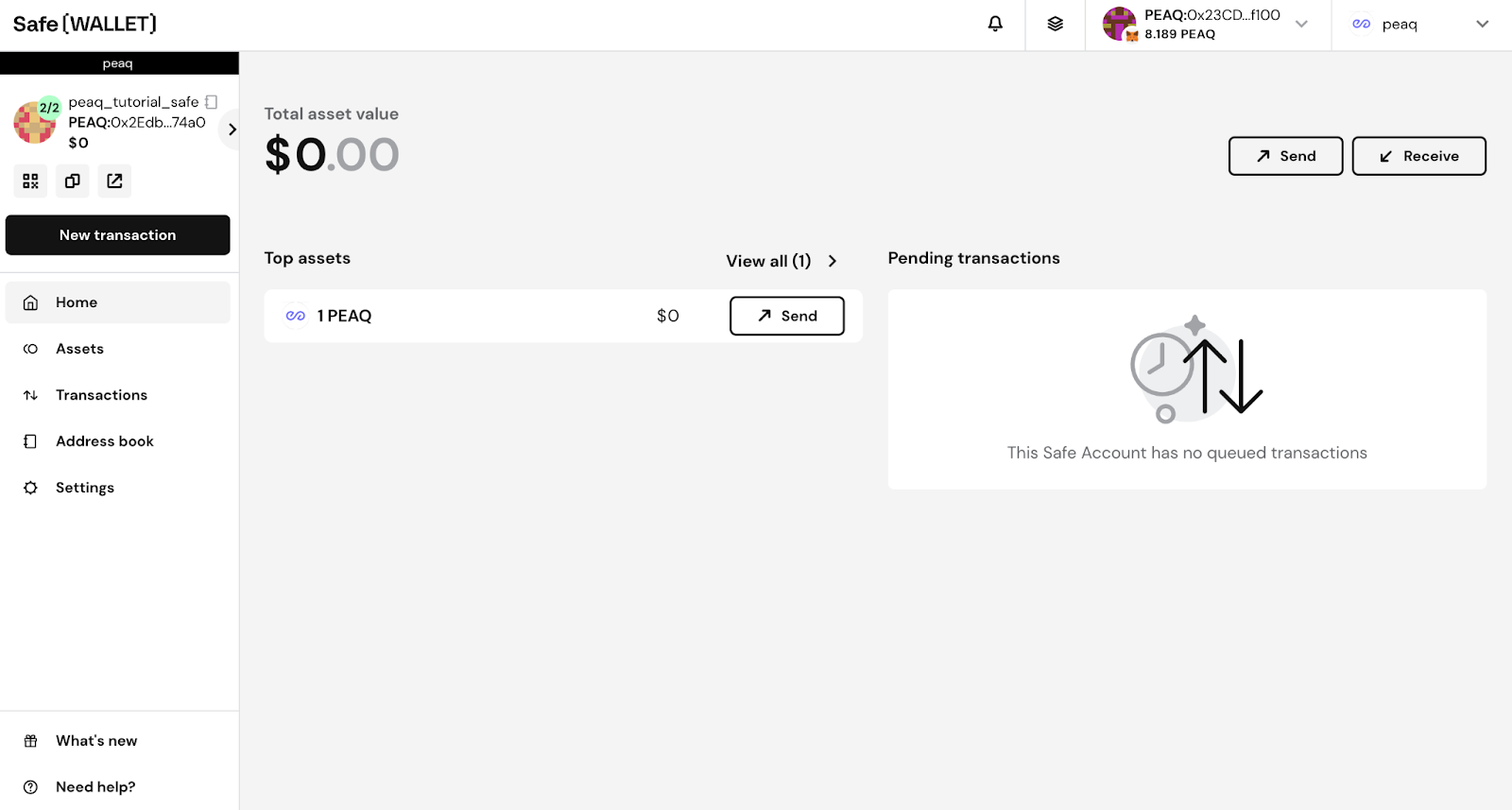
1. To send PEAQ, click **Send**
## Send \$PEAQ tokens with SAFE
1. To send PEAQ, click **Send**
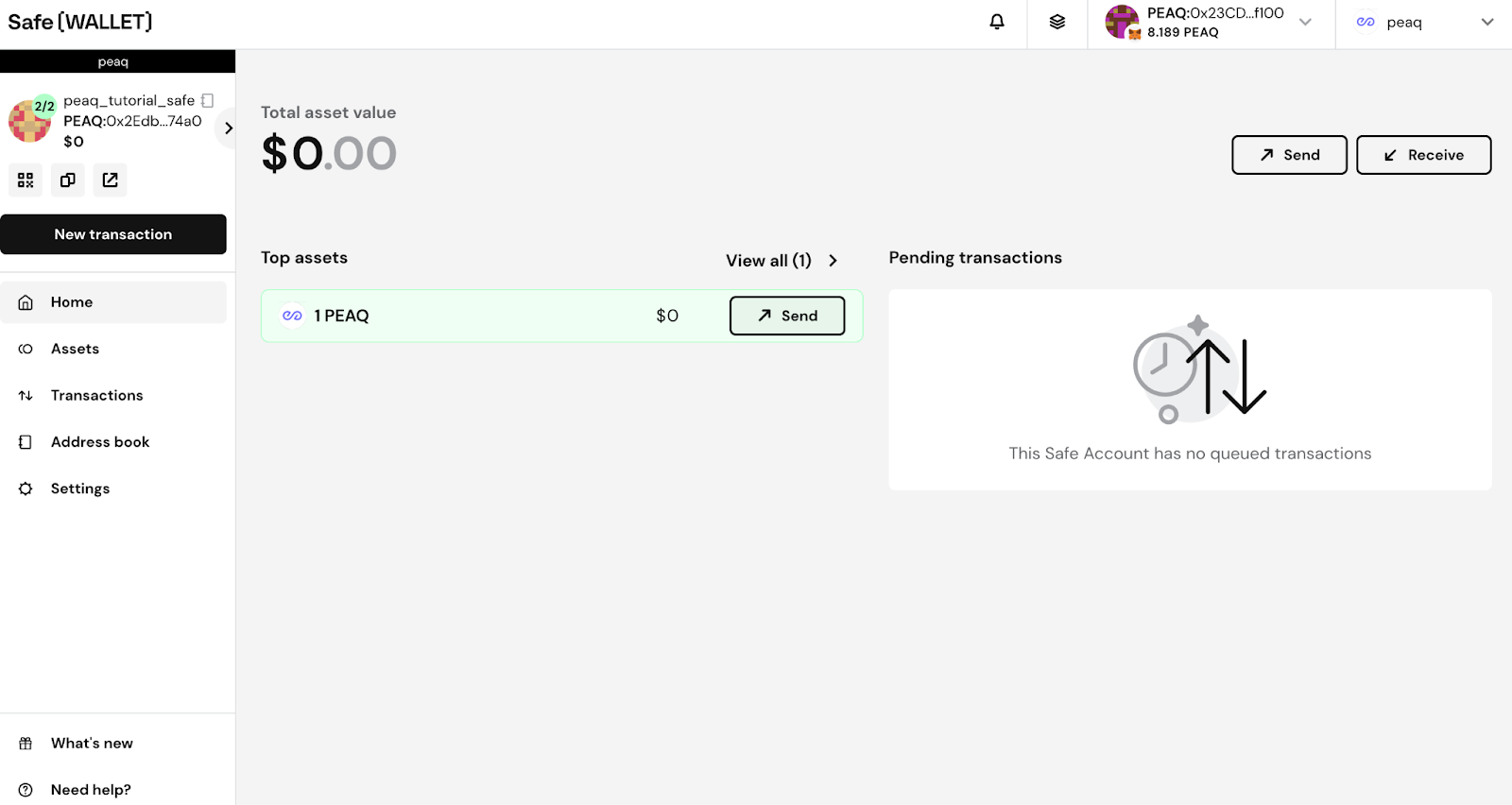 2. Enter the recipient and the amount, then click **Next**
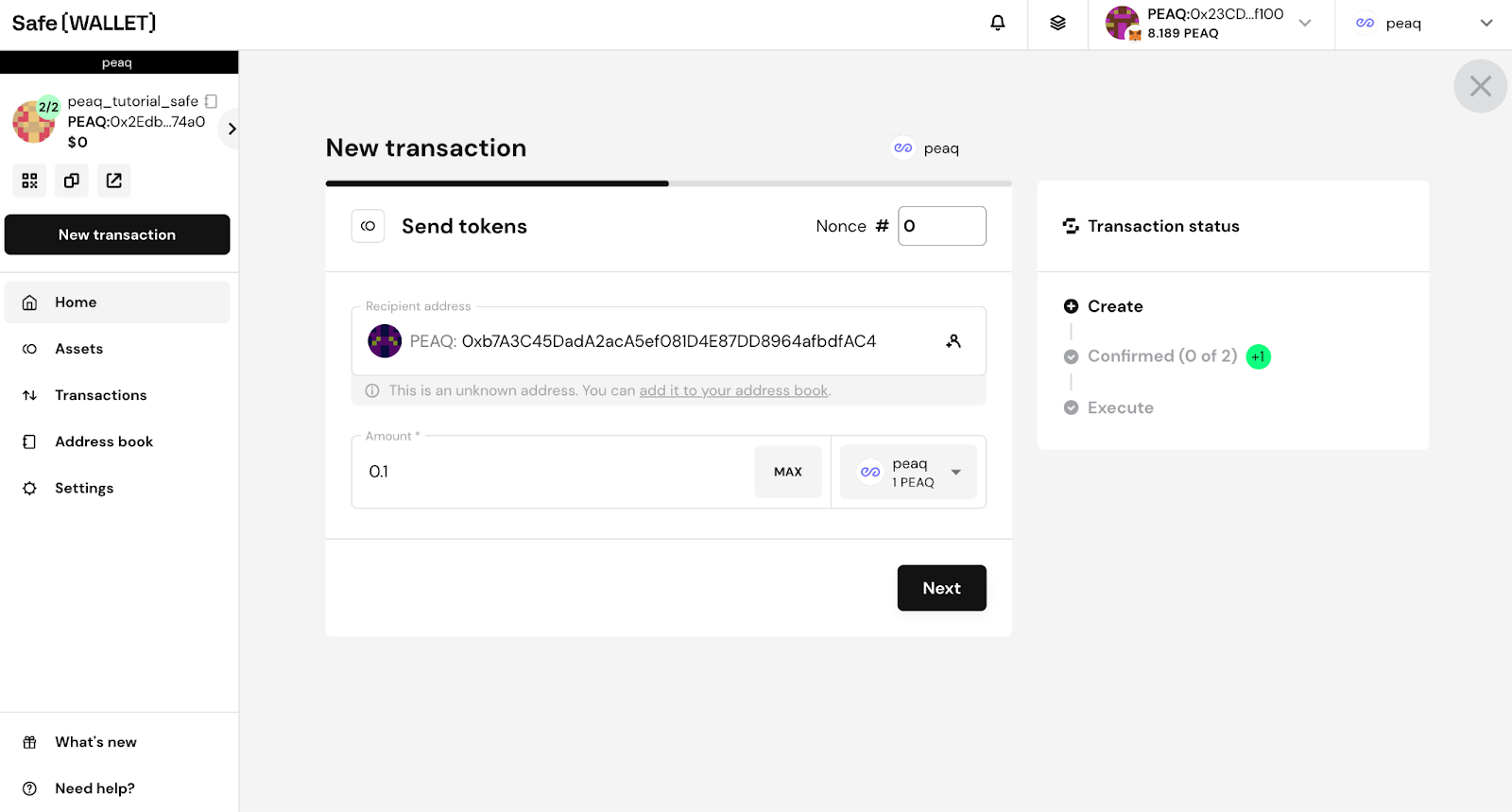 3. Review details of your transaction and click **Execute**
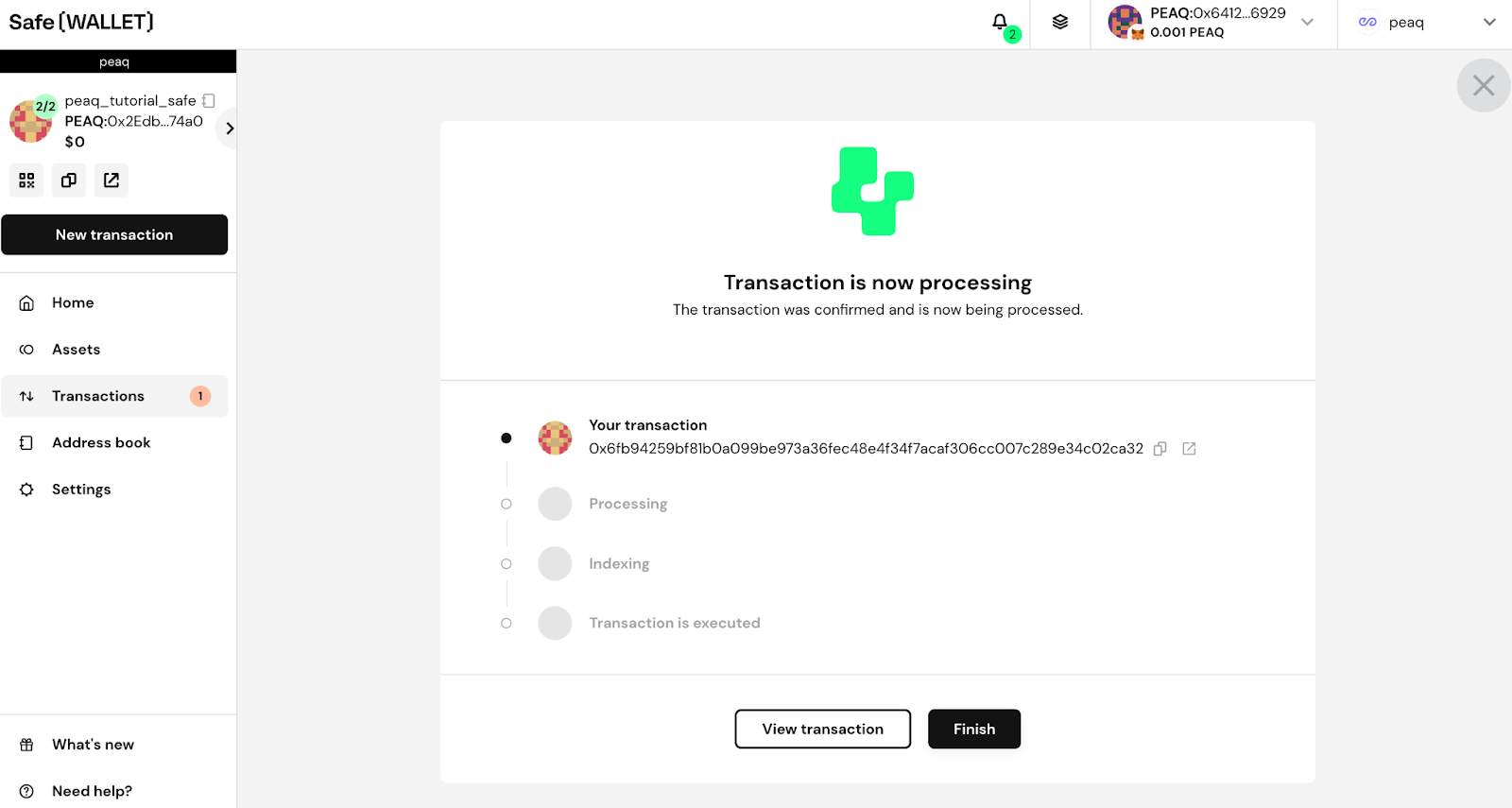
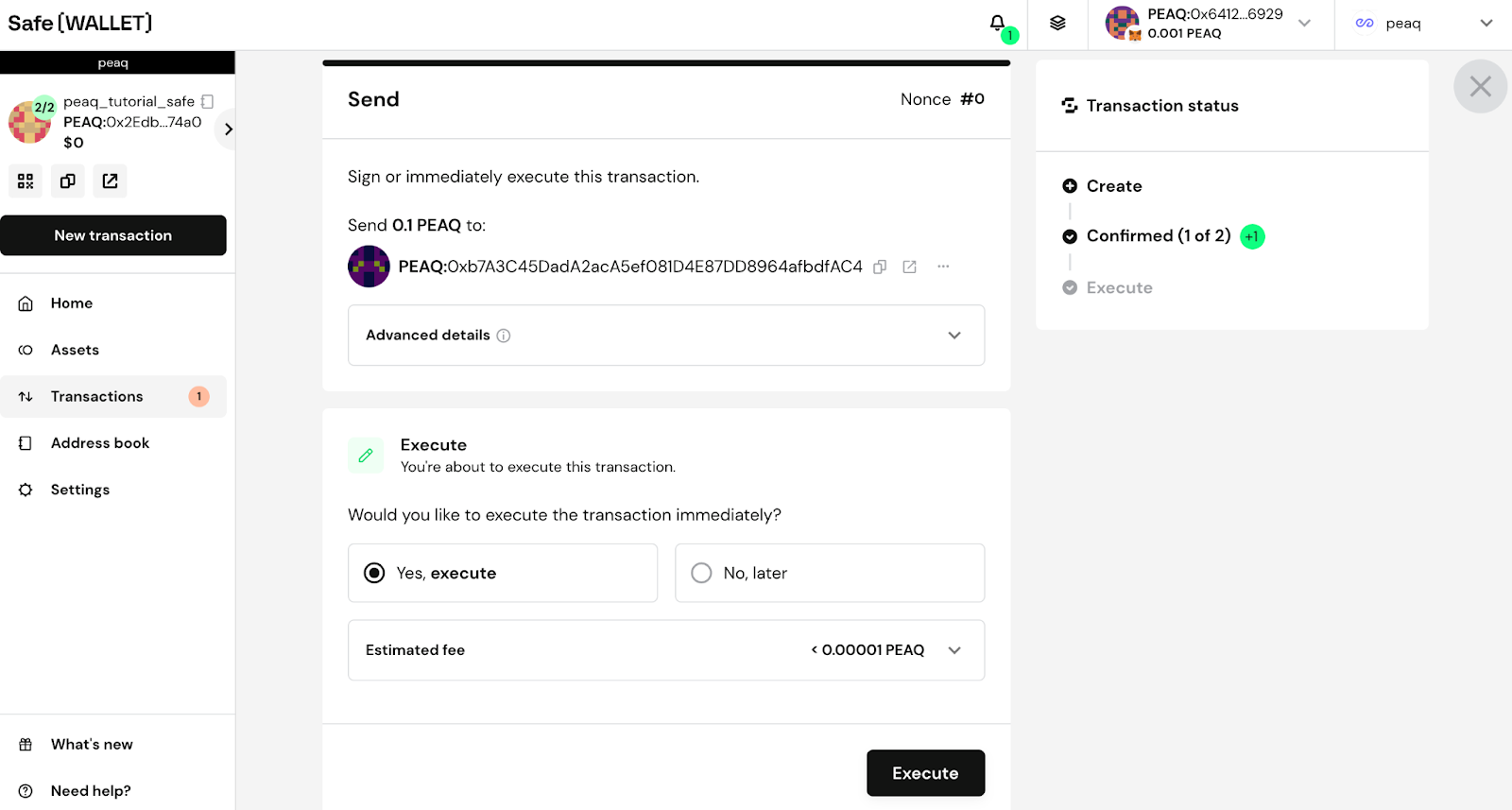 4. After clicking submit you will have to sign the transaction with your signer wallet. Depending on the threshold policy used, the transaction will either be executed immediately or require additional signatures from other signers of the Safe
5. This is what you’ll see once transaction is signed by every signer needed
4. After clicking submit you will have to sign the transaction with your signer wallet. Depending on the threshold policy used, the transaction will either be executed immediately or require additional signatures from other signers of the Safe
5. This is what you’ll see once transaction is signed by every signer needed