> ## Documentation Index
> Fetch the complete documentation index at: https://docs.peaq.xyz/llms.txt
> Use this file to discover all available pages before exploring further.
# Adjust Commission Rate
This document provides guidance on setting up and adjusting the commission rate for collators on the peaq network. It highlights key aspects of the new token economy introduced in runtime upgrade v0.0.104.
## Setting Up Commission Rate
To set up your commission rate, follow these steps:
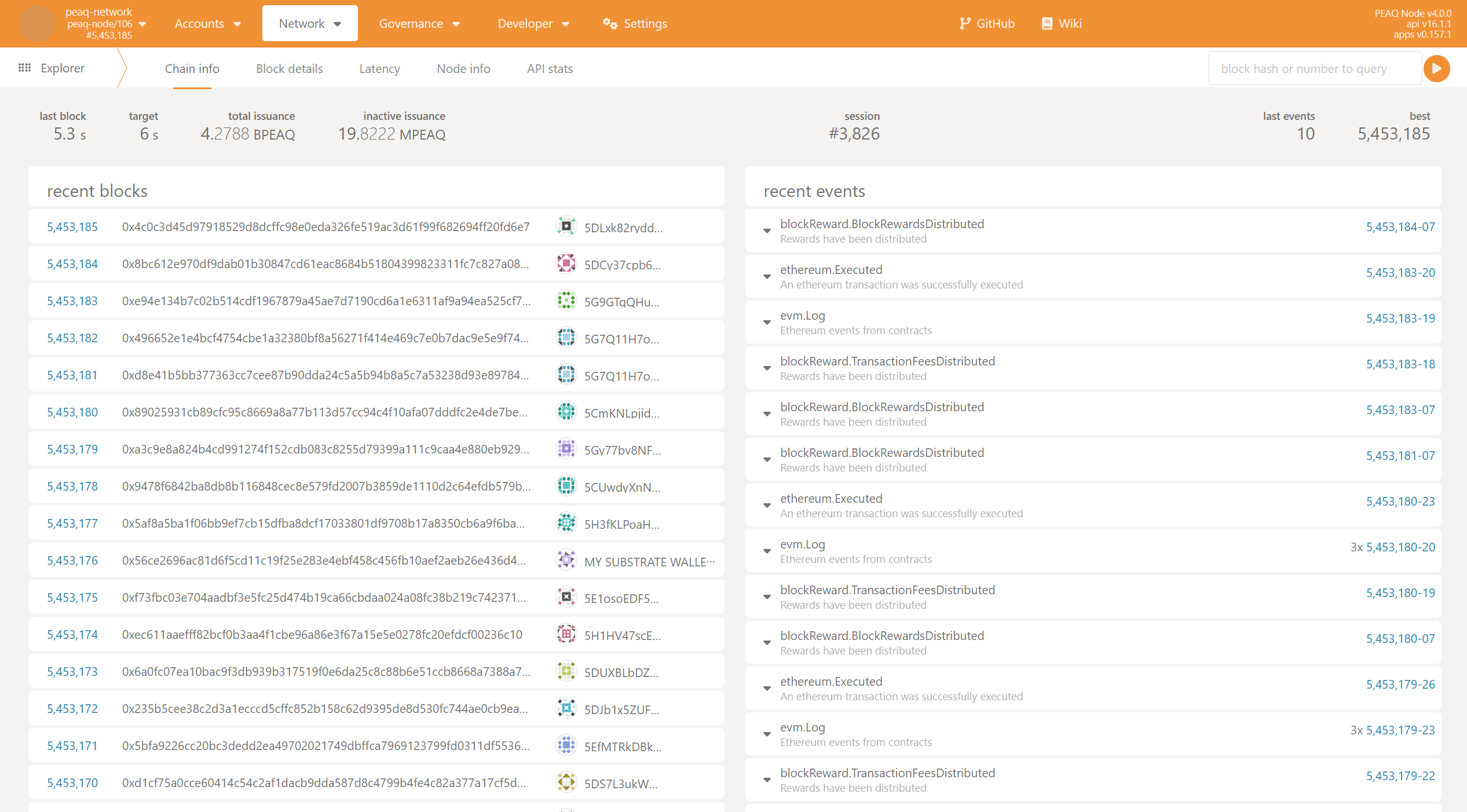
1. **Open polkadot.js**
* Navigate to the [polkadot.js](https://polkadot.js.org/apps/?rpc=wss%3A%2F%2Fpeaq.api.onfinality.io%2Fpublic#/explorer) interface.
 2. **Navigate to Extrinsics**
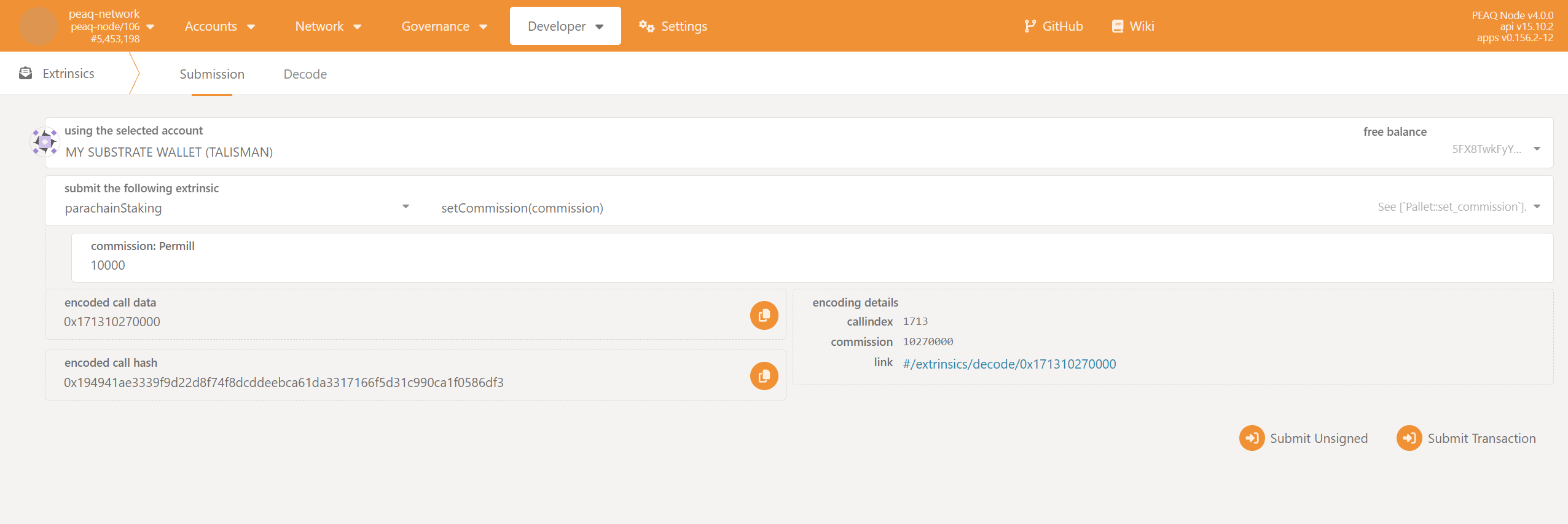
* Go to `Developer → Extrinsics → parachainStaking → setCommission`.
2. **Navigate to Extrinsics**
* Go to `Developer → Extrinsics → parachainStaking → setCommission`.
 3. **Submit Transaction**
* Enter your desired commission rate and submit the transaction.
To set a 1% commission, enter `10000` in the commission field. For 25%, enter `250000`.
## Reward Calculation
More information about the reward calculation can be found [here](/peaqchain/build/advanced-operations/node-operations/block-reward-distribution#reward-calculation).
3. **Submit Transaction**
* Enter your desired commission rate and submit the transaction.
To set a 1% commission, enter `10000` in the commission field. For 25%, enter `250000`.
## Reward Calculation
More information about the reward calculation can be found [here](/peaqchain/build/advanced-operations/node-operations/block-reward-distribution#reward-calculation).