> ## Documentation Index
> Fetch the complete documentation index at: https://docs.peaq.xyz/llms.txt
> Use this file to discover all available pages before exploring further.
# Leave Delegator Set
## Unstake your PEAQ:
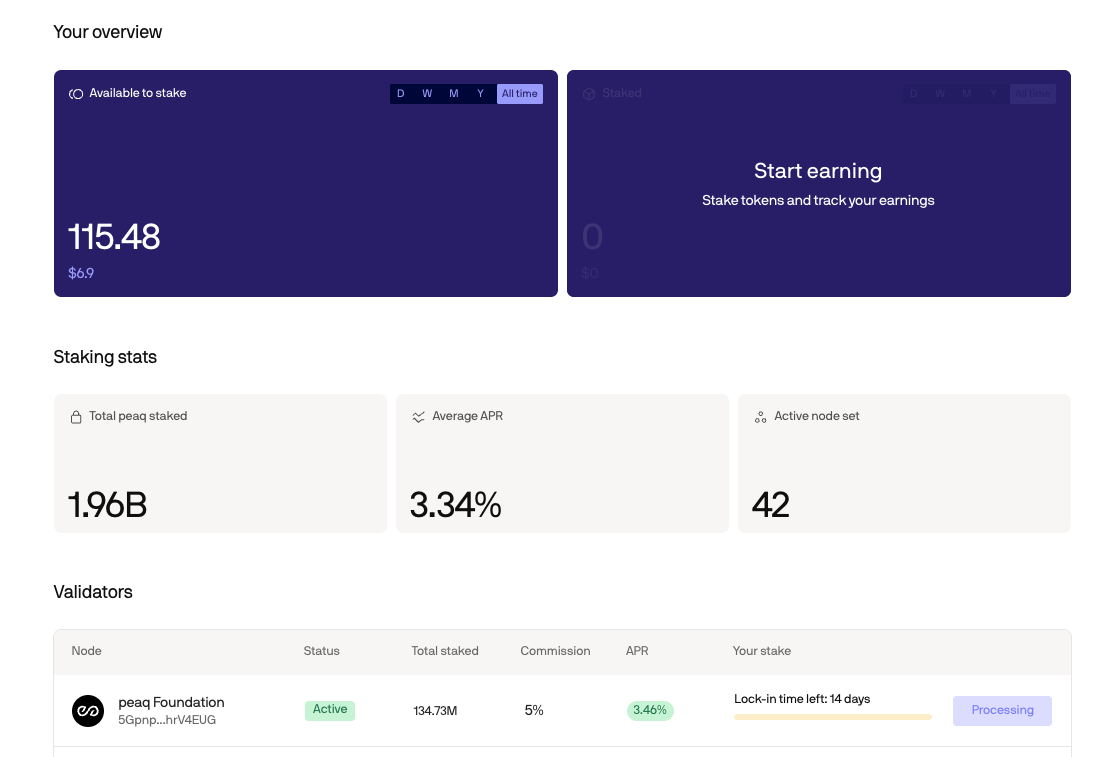
1. Go to the [**Staking**](https://portal.peaq.xyz/portal/staking) tab in peaq app and find validator to which you've delegated your tokens
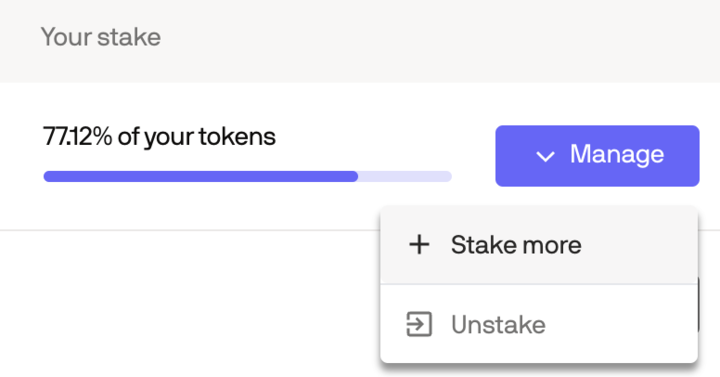
2. Click **Unstake**
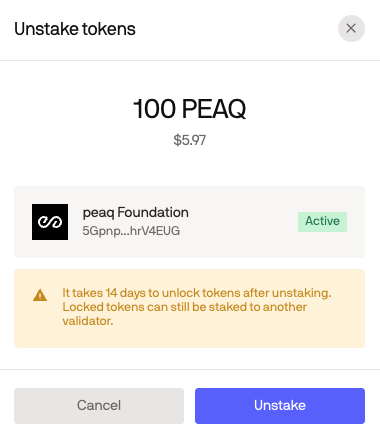
 3. Confirm that you want to unstake your tokens by clicking **Unstake**
 4. This is how your **Staking** tab will look like, while your tokens are being unstaked