> ## Documentation Index
> Fetch the complete documentation index at: https://docs.peaq.xyz/llms.txt
> Use this file to discover all available pages before exploring further.

# Adjust Delegator Stake

## Change your stake amount:

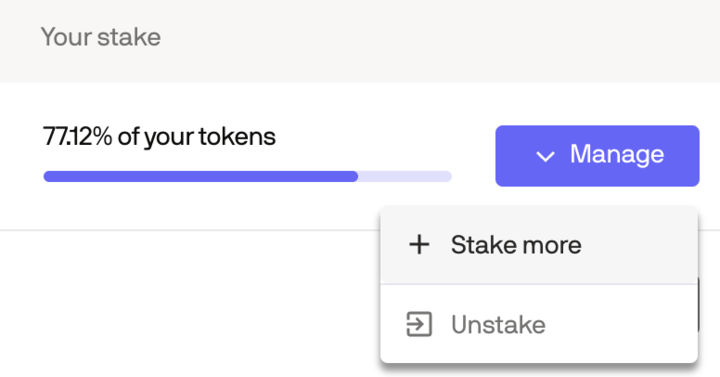
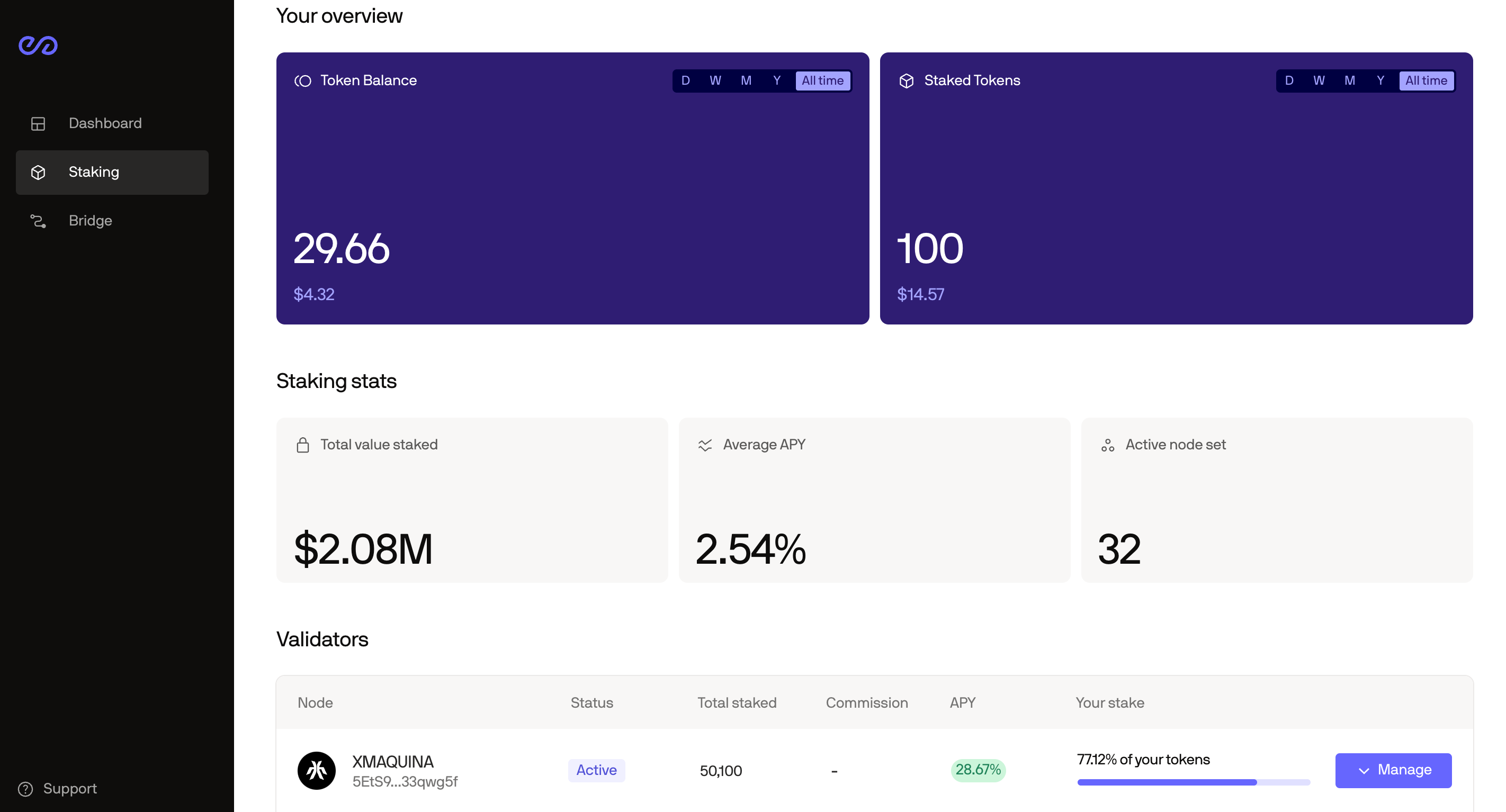
### 1. Find the validator to which you've staked your tokens and click **Manage**
<img src="https://mintcdn.com/peaq/H1zxsjVQsch8XR3k/assets/img/peaq-portal-8.png?fit=max&auto=format&n=H1zxsjVQsch8XR3k&q=85&s=9b7c85c8e12dbb747450d3abea0ff426" alt="peaq-portal-8" width="2844" height="1534" data-path="assets/img/peaq-portal-8.png" />

### 2. Then click **Stake more**

<img src="https://mintcdn.com/peaq/H1zxsjVQsch8XR3k/assets/img/peaq-portal-9.png?fit=max&auto=format&n=H1zxsjVQsch8XR3k&q=85&s=94fa61afd580d9066add72dc2a078863" alt="peaq-portal-9" width="720" height="377" data-path="assets/img/peaq-portal-9.png" />

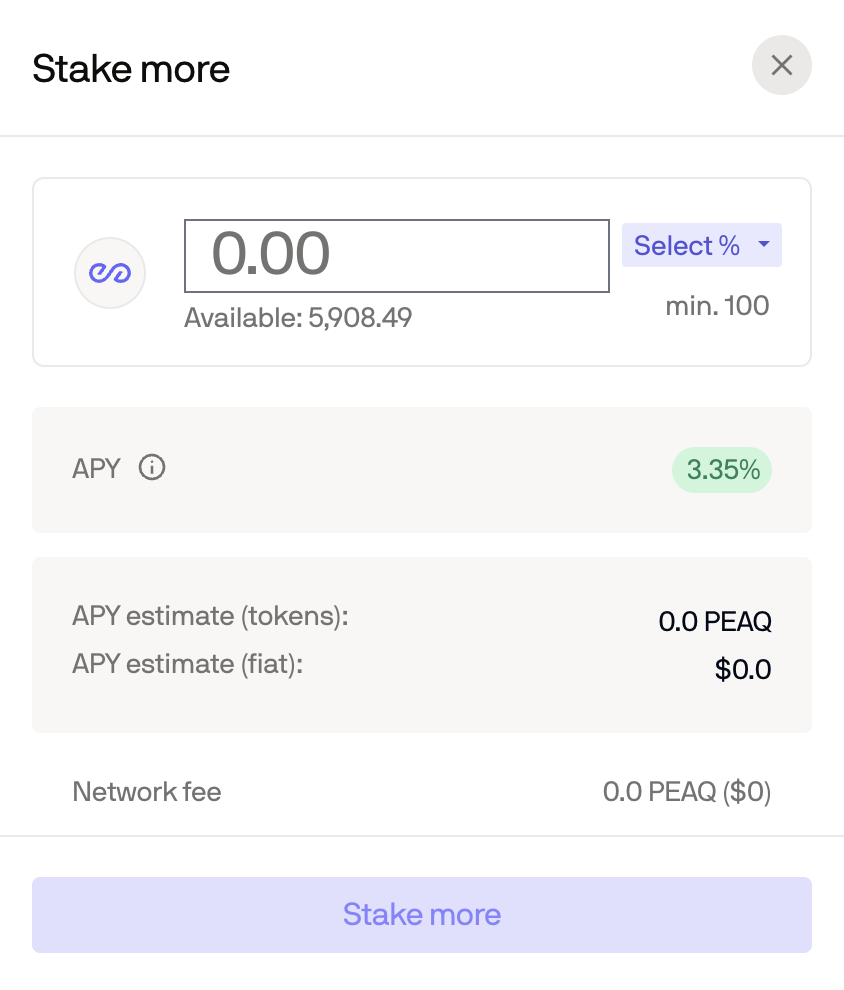
### 3. Enter the additional amount of PEAQ you would like to stake in the pop-up window
<img src="https://mintcdn.com/peaq/H1zxsjVQsch8XR3k/assets/img/peaq-portal-10.png?fit=max&auto=format&n=H1zxsjVQsch8XR3k&q=85&s=f37d3358ae7fe9a1772a14d44bd15808" alt="peaq-portal-10" width="844" height="990" data-path="assets/img/peaq-portal-10.png" />

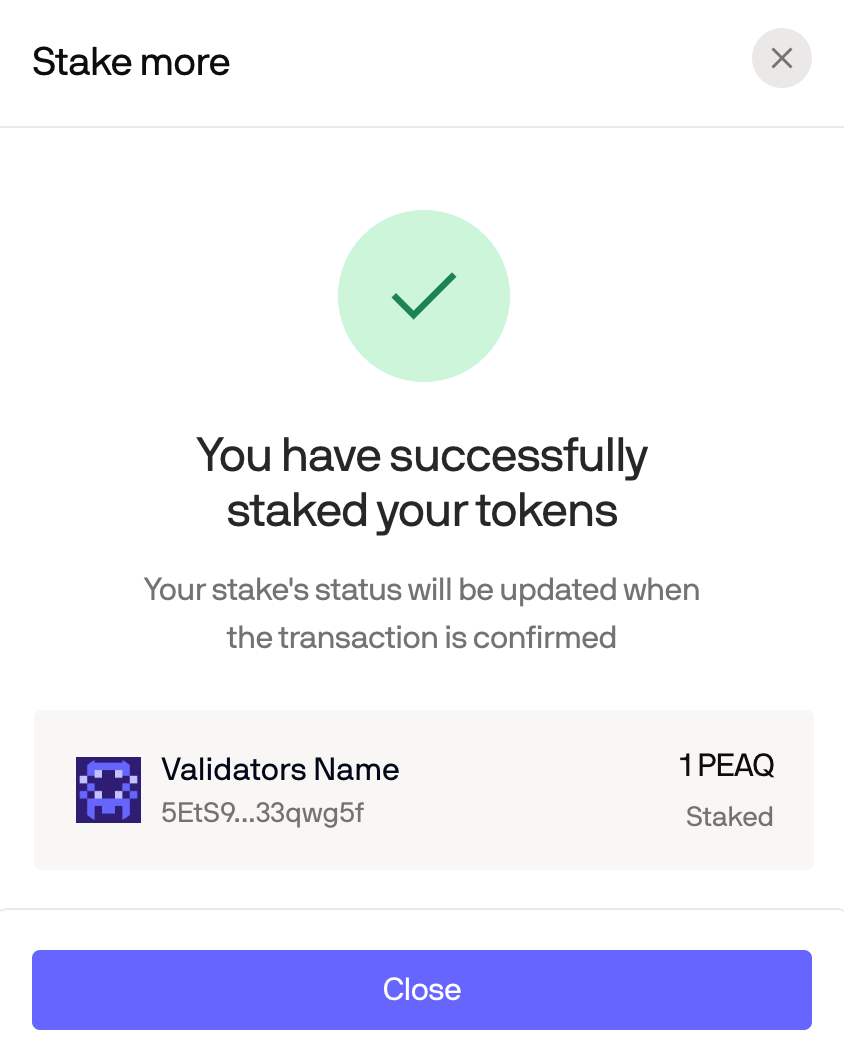
### 4. This is a success message you'll see once additional tokens are staked
<img src="https://mintcdn.com/peaq/H1zxsjVQsch8XR3k/assets/img/peaq-portal-11.png?fit=max&auto=format&n=H1zxsjVQsch8XR3k&q=85&s=0d898f904506cb12dbada2b788120c24" alt="peaq-portal-11" width="844" height="1054" data-path="assets/img/peaq-portal-11.png" />